TikTok PFP Viewer
Put a face to the @username. Take a closer look at a public avatar and save the largest image the source supplies.
- No password, ever
- Public content only
- Nothing to install
The essentials, without the noise.
Check the account first.
Similar names can belong to different people. Match the exact handle, display name and bio before going further.
Know what full size means.
A larger available avatar is not necessarily the original photo. Its quality depends on the image supplied.
Clear about availability.
View and download the supplied public avatar. The profile page tells you when an image cannot be shown.
Three steps. You set the pace.
Enter
Enter the exact @username or paste the full link to a public profile.
Choose
Check the display name and bio to make sure you have the right account.
Explore
View the larger avatar, then choose Download profile picture to save it.
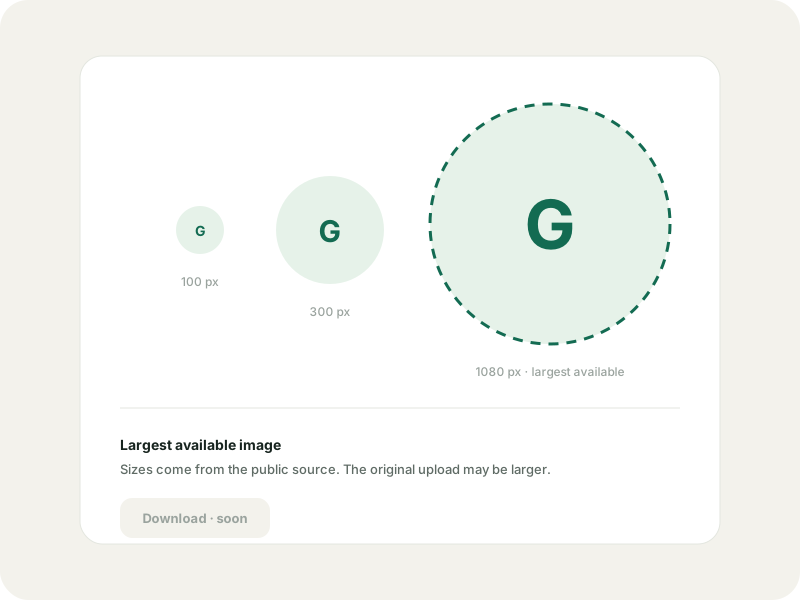
Small picture. Familiar face.
TikTok PFP Viewer for public profile pictures. Look up an account by username, view its public avatar and download the largest available image.
An available avatar may still be smaller than the original upload. Private content cannot be unlocked.
TikTok PFP Viewer: a closer look at the avatar.
PFP is short for profile picture: the face, logo or illustration beside a creator's name. When two handles look alike, that small image can help you recognise the account you meant to find.
The TikTok PFP Viewer starts with a username or full profile link. Check the display name and bio alongside the avatar's availability. A video link points to a post, so use its creator's handle when you want the profile picture instead.
A bigger image. An honest label.
A full-size TikTok profile picture means the available image shown beyond the small profile circle. It does not guarantee the original camera photo, an HD file or hidden detail that the source never supplied.
The TikTok PFP Viewer shows the largest supplied avatar. Stretching a small picture cannot restore missing detail. There is no promise of an original-resolution download.
What you can do today.
Look up a public account, read the bio and confirm the handle. View its larger avatar and use Download profile picture to save the available image.
You do not need to connect a TikTok account or install an extension to make a profile lookup. Supplying a password cannot enable a missing image, and GlimTok will never ask for one.
For recognition. For reference.
Checking a collaborator's logo? Trying to tell two similarly named creators apart? Start with the exact handle and public profile details. An avatar can help with recognition, but it cannot prove who controls an account.
GlimTok cannot open private accounts or retrieve a history of old profile pictures. If you want to reuse someone else's image, ask them first. The person behind the picture still matters.
The same rules on every page.
No TikTok login
You never enter a TikTok password, code or cookie. There is no account to connect.
Public content only
GlimTok shows what a public source makes available and never bypasses privacy settings.
Nothing loads until you ask
Your lookup loads the profile and its first content page. You choose when to load more or open comments.
A private saved list
Your bookmarks, groups and notes stay in your account. Saving never follows anyone.
TikTok PFP Viewer, answered.
What PFP means, how image size works and what is available today.
Is the TikTok PFP Viewer available now?
Yes. Look up a public profile to view and download its available avatar. Removed or restricted images may be unavailable.
What does PFP mean?
PFP means profile picture. On TikTok, it is the avatar displayed alongside an account's name and handle.
Can the TikTok PFP Viewer show the original photo?
Original resolution is not guaranteed. The image view uses the largest avatar supplied by the public source, which may be a resized copy.
Can I download a TikTok profile picture here?
Yes. After opening the public profile in the PFP Viewer, choose Download profile picture. The file uses the largest image supplied by the source.
Can I see private or previous profile pictures?
No. GlimTok cannot unlock private content or provide an archive of a creator's old avatars.
Do I need the TikTok app?
No. Profile lookup runs in a modern browser on a phone, tablet or computer. Media availability depends on the public source.
Go a little deeper.
What anonymous TikTok viewing really means
No TikTok login is a useful boundary, not a promise of invisible traffic. Here is the honest version.
Read the guideSaved profilesHow to save TikTok profiles privately with GlimTok
Local bookmarks, explicit import and a private cloud list, explained step by step.
Read the guidePublic browsingHow to view public TikTok reposts without an account
See what a public account has shared, who made each video, and where the source stops.
Read the guideTikTok Profile Viewer
Look up any public TikTok profile by username or link. See the bio, follower counts and recent posts without logging in or installing the app.
OpenTikTok Repost Viewer
Use the TikTok Repost Viewer to explore a public account's shared videos, with the original creator shown. Enter a username. No TikTok login needed.
OpenTikTok Comment Viewer
Read public comments with the TikTok Comment Viewer. Paste a video link, open replies and search the comments you load. No TikTok login needed.
OpenTikTok Comment Exporter
Turn public comments into CSV or Excel with the TikTok Comment Exporter. Choose replies, set a row limit and review the credit quote before starting.
OpenStart with the right handle.
Use the TikTok PFP Viewer to look up the public profile and check image availability.